Handdrawn Powerpoint Template: A Creative Designer’s Guide
Why Handdrawn Style Works in Modern Design
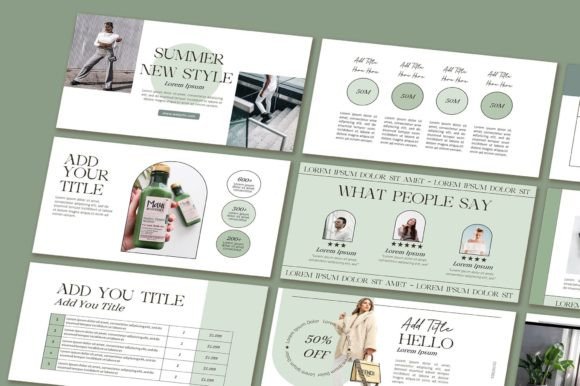
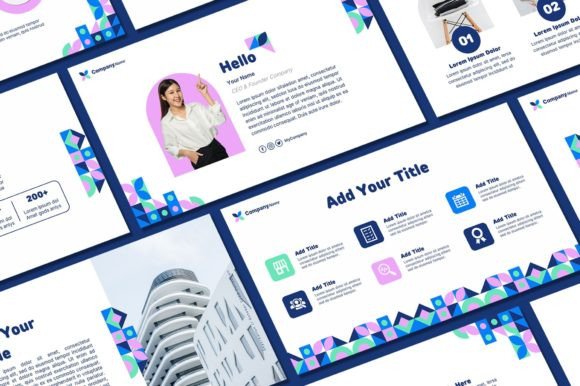
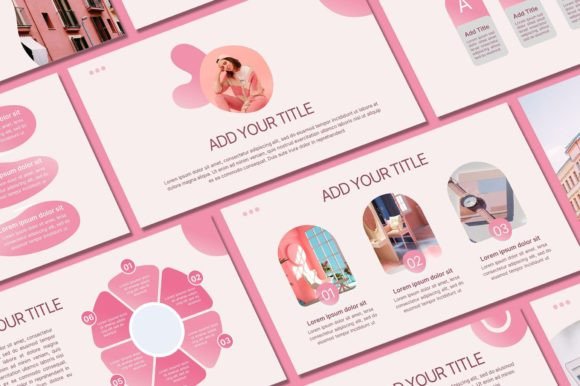
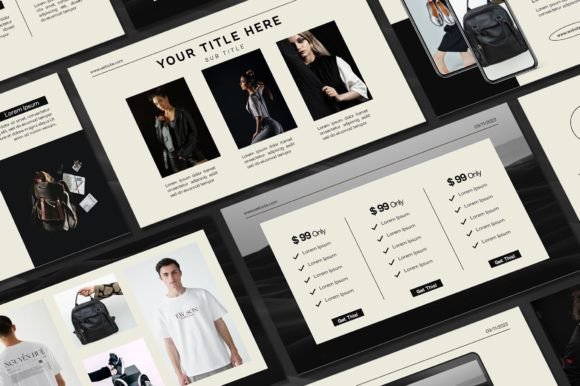
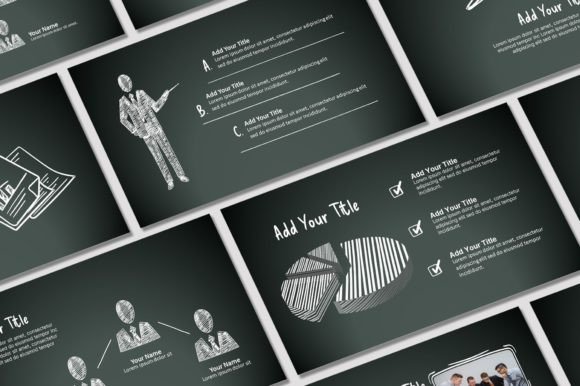
There's something immediately authentic about a handdrawn aesthetic. It feels human, approachable, and slightly imperfect in the best possible way. The Handdrawn Powerpoint Template from Sky Creation taps into this visual language with 45 unique slides that bring warmth and personality to presentations that might otherwise feel sterile or corporate.
What makes this template stand out isn't just the handdrawn elements themselves—it's how they're structured. You get over 400 free icons, a 16:9 aspect ratio that fits modern screens perfectly, and every graphic is fully resizable and editable. The included images from the demo files mean you can start building immediately without hunting for assets.
Where This Template Shines Brightest
Think about the last presentation that actually held your attention. Chances are, it didn't look like every other slide deck you've seen. The Handdrawn Powerpoint Template works particularly well for creative pitches, workshop materials, brand storytelling decks, and any situation where you want to communicate warmth without sacrificing professionalism.
Small business owners find it especially useful for investor presentations and client pitches. There's a psychological component here—handdrawn elements suggest craftsmanship, attention to detail, and a personal touch. When you're presenting to potential partners or customers, those associations work in your favor.
Content creators and bloggers use this template style for media kits and collaboration proposals. The visual personality helps differentiate your brand from competitors who default to standard corporate templates. It signals that you think differently about how you present yourself and your work.
Making the Template Your Own
The real value of any design asset lies in how well you can customize it. With this template, you can edit text and text colors, swap fonts, change background colors, add your own photos, and incorporate your logo. That's a solid range of customization options that lets you align the handdrawn aesthetic with your existing brand identity.
Here's a practical tip: don't fight the template's personality. If your brand is ultra-minimalist and corporate, a handdrawn template might create visual tension that confuses your audience. But if your brand embraces creativity, approachability, or artisanal qualities, this template becomes a natural extension of who you are.
Start by adjusting the background colors to match your brand palette. Then swap in your fonts—this is where the template's character really comes through. A handwritten font paired with a clean sans serif font creates beautiful contrast and maintains readability across different slide types.
Practical Setup and Workflow
The download process is straightforward. After purchasing, you'll receive an email from Etsy with a download link. The PDF file contains a button that directs you to Google Drive, where you'll find the actual presentation files. Before opening the template, install all the included font files on your computer—this prevents formatting issues and ensures everything displays as intended.
Open the PowerPoint file and start customizing. I'd recommend working through the slides in order first, just to understand the structure and flow. Notice how the designer varied slide layouts—some are text-heavy, others are image-focused, and many combine both. This variety keeps audiences engaged throughout longer presentations.
The 400+ included icons deserve special attention. They're not generic clip art. These icons carry the same handdrawn character as the rest of the template, so they integrate seamlessly into your slides. Use them to break up text blocks, illustrate concepts visually, or create custom infographics within your presentation.
Design Considerations and Best Practices
Readability matters more than aesthetics, always. When you're customizing text, resist the urge to use overly decorative fonts for body copy. Save the more expressive typefaces for headings and pull quotes. Your audience needs to absorb information quickly, especially during live presentations where slides move fast.
Test your final presentation on the actual screen or projector you'll use. Colors and contrast that look great on your laptop might wash out on a larger display. The handdrawn elements have subtle texture and detail that could lose impact if the projection quality is poor.
Consider your audience's expectations carefully. A creative agency presenting to a fashion brand? Perfect fit. A law firm presenting quarterly financials? Probably not the right choice. The template's personality should enhance your message, not distract from it or undermine your credibility in specific professional contexts.
Building Consistent Brand Presentations
One overlooked benefit of a distinctive template is brand consistency. Once you've customized this template with your colors, fonts, and imagery, you have a reusable asset for every presentation your business creates. Clients and partners start recognizing your visual style, which builds brand recognition over time.
Save your customized version as a separate file from the original template. This way, you always have a clean starting point if you need to create a new presentation with different content but the same visual framework. It's a small organizational step that saves significant time down the road.
The terms of use are clear: all designs are copyrighted to Sky Creation and intended for personal use. This means you can use the template for your business presentations, client work, and internal communications, but you cannot resell or redistribute the template itself. That's standard for premium design assets and protects both the creator and your investment.
Final Thoughts on Template Selection
Choosing a presentation template is really about choosing how you want to be perceived. The Handdrawn Powerpoint Template gives you a specific visual vocabulary—creative, approachable, thoughtful, and distinctly human. If those qualities align with your brand or the message you're trying to convey, it's worth serious consideration.
Take time to evaluate whether the included slides match your typical content needs. Forty-five slides is generous, but your specific use case might require more data visualization or fewer text-heavy layouts. Understanding the template's strengths helps you plan your content structure more effectively before you start editing.
If you have questions about customization or need clarification on usage rights, Sky Creation welcomes direct messages. That kind of creator support adds real value, especially if you're working on an important presentation and hit a technical snag during customization.